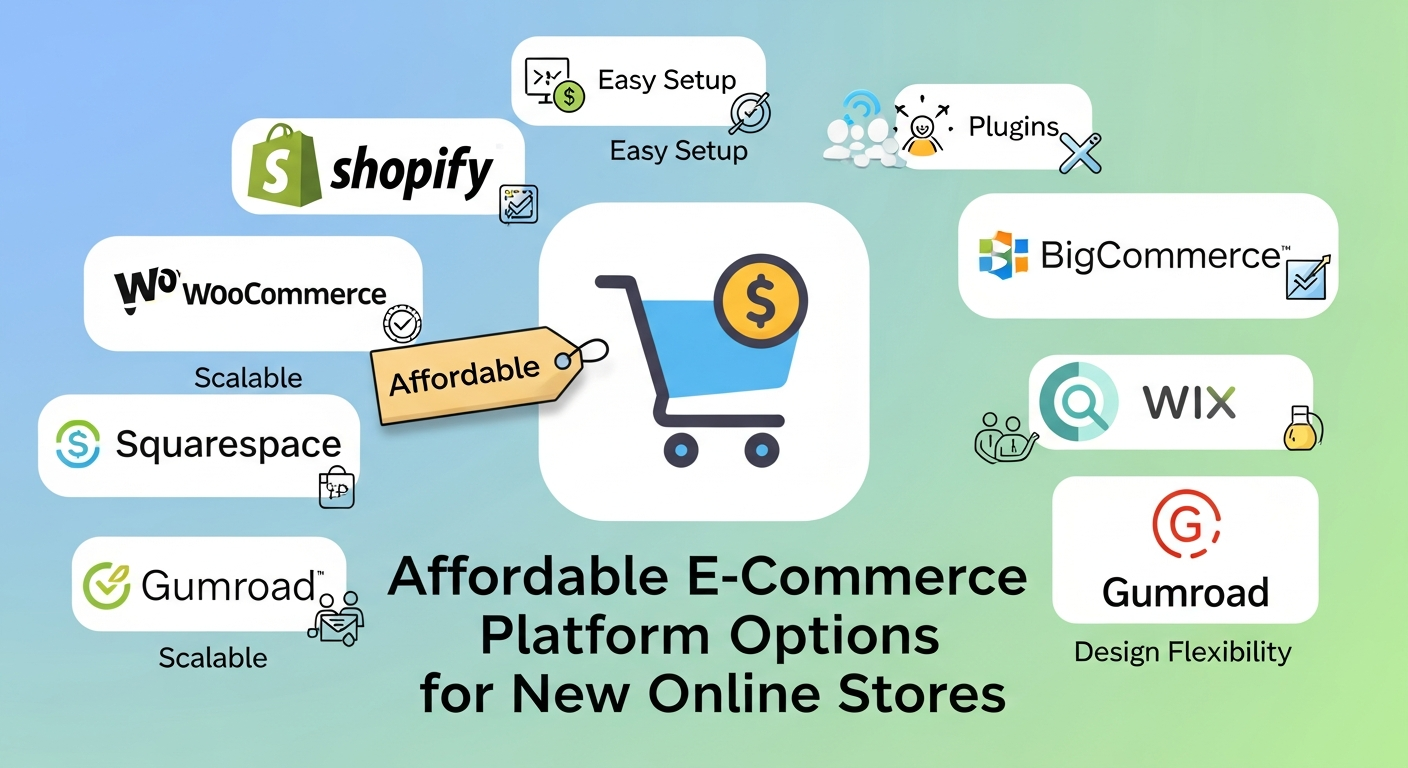
Affordable E-Commerce Platform Options for New Online Stores
Contents
- Key Features to Look for in E-Commerce Platforms
- Shopify: Pros, Cons, and Best Use Cases
- WooCommerce: Pros, Cons, and Best Use Cases
- BigCommerce: Pros, Cons, and Best Use Cases
- Wix E-Commerce: Pros, Cons, and Best Use Cases
- Squarespace: Pros, Cons, and Best Use Cases
- Etsy and Marketplace Alternatives for Small Sellers
- Comparing Costs: Setup, Fees, and Maintenance
- Tips for Choosing the Most Affordable Platform
- When It Makes Sense to Upgrade or Migrate Platforms
- FAQs
- Conclusion
Launching your first online store is exciting. A little overwhelming, too, if we’re being honest. There is shipping to determine, goods to post, a logo to finish… Then there is the major one: it all rests on selecting the platform.
Your costs, daily load, and future growth potential are shaped by that choice. It's the reason so many entrepreneurs look for reasonably priced e-commerce solutions that won't exceed the budget before even the first sale is made. Still, the best platform for a new online store's success isn’t always the rock-bottom cheapest option. Affordable truly means an appropriate size, enough features to expand, without excess features you will never use.
Here are the key choices, with a breakdown of where they work well, where they fail, and how to consider the trade-offs without losing track in technology-speak.
Key Features to Look for in E-Commerce Platforms
We need to know what matters before we compare brand names. An eye-catching home page demonstration offers little insight into the real world.
Ease of Use and Learning Curve
For first-time sellers, usability is huge. A clear dashboard, guided setup, and visual editing tools can save you hours, maybe days, of frustration. Some ecommerce platforms for beginners, Shopify alternatives, and small stores are built specifically for non-technical users, and you can feel that difference pretty quickly.
Built-In Features vs. Add-Ons
Some sites include out-of-the-box SEO configuration, email marketing, and analytics. Others push you toward app stores full of paid extensions. Add-ons aren’t bad, but relying on too many can quietly raise your monthly bill.
Payments, Fees, and Flexibility
Look beyond “we accept credit cards.” Examine supported gateways, payout dates, and transaction costs. Those modest percentages eat into your profits over time.
Design, Scalability, and Marketing Tools
A tiny store should also have space to expand. Mobile-friendly templates, strong customization, and essential marketing tools let you avoid starting over six months out.
Shopify: Pros, Cons, and Best Use Cases
People generally hear of Shopify first, and for good reason. It is highly novice-friendly, polished, and dependable.
Pros
It’s fully hosted, so you don’t deal with servers or security updates. The app ecosystem is massive, covering subscriptions, upsells, advanced shipping, you name it. Support is solid too, which matters when you’re learning at 11 p.m. and something looks broken but might not be.
Cons
Costs can creep up. Monthly plans, transaction fees (if you don’t use Shopify Payments), paid themes, and apps all add up. That’s why people start searching for Shopify alternatives that small store owners might find easier on the wallet.
Best For
Shopify works well for beginners who want a smooth, structured setup and expect to grow. If you’d rather not touch hosting settings ever, this is appealing.
WooCommerce: Pros, Cons, and Best Use Cases
WooCommerce is a plugin that turns a WordPress site into a store. It’s flexible. Very flexible. Sometimes, it's almost too flexible.
Pros
The core plugin is free and open-source. You control design, features, and SEO in detail. For content-heavy brands, this can make WooCommerce the best platform for new online store projects that rely on blogging and search traffic.
Cons
Hosting, security, backups, and updates will be needed. Though starting cheap, costs might increase with premium themes and plugins. Particularly if you have never used WordPress before, there is also a learning curve.
Best For
Owners who want control and customization, or who are working with a developer, often love WooCommerce. It’s powerful, just less plug-and-play.
BigCommerce: Pros, Cons, and Best Use Cases
BigCommerce sits in an interesting middle ground. It’s hosted like Shopify but includes more built-in features.
Pros
Without dozens of programs, you obtain multi-channel sales, sophisticated product alternatives, and excellent SEO parameters. This built-in feature can provide actual worth when evaluating cheap e-commerce platforms.
Cons
Merchants can be caught by surprise as sales rise, since prices also rise. First view of the interface could also seem a bit more complicated.
Best For
Stores that want robust features from the start, especially those planning to sell on marketplaces or social channels alongside their main site.
Wix E-Commerce: Pros, Cons, and Best Use Cases
Wix has come a long way from its early website-builder days. It’s now a solid option for very small stores.
Pros
Using the drag-and-drop editor is quite simple. One of the more accessible e-commerce platforms for novices, combining hosting, design tools, and store features at somewhat low introductory costs.
Cons
Scalability is limited. Large catalogs or complex shipping setups can feel clunky as you grow.
Best For
Micro-businesses, side hustles, and local shops selling a small number of products online without needing advanced e-commerce features.
Squarespace: Pros, Cons, and Best Use Cases
Squarespace is known for sleek templates and strong visual design. It’s popular with creative businesses.
Pros
Templates are polished and mobile-ready. Setup is straightforward, and hosting plus security are handled for you.
Cons
E-commerce features are more limited than those of Shopify or BigCommerce. That’s why many brands are researching Shopify alternatives, small store options often compare Squarespace as a simpler, design-focused choice.
Best For
Boutique brands, artists, and photographers that desire a beautiful page with light to moderate selling capabilities.
Etsy and Marketplace Alternatives for Small Sellers
Sometimes the best first step isn't even on your website. Built-in traffic and consumer trust are offered by marketplaces such as Etsy, eBay, and Amazon Handmade.
The big advantage is exposure. You can list products quickly without building an audience from scratch, which is kind of a relief early on. The trade-off? Less brand control, platform fees, and limited access to customer data.
Many sellers use marketplaces to test demand before investing in the platform that becomes their best choice for a new online store setup later. Once sales stabilize, relocating to your own site often makes financial and strategic sense.
Comparing Costs: Setup, Fees, and Maintenance
In assessing inexpensive e-commerce systems, go past the headline monthly cost.
Typical Cost Categories
You may pay for subscriptions, transaction fees, premium themes, apps, and marketing tools. With WooCommerce, add hosting and maintenance to the list as well.
Why “Cheap” Isn’t Always Affordable
A low base plan can turn expensive if you need five or six paid add-ons. Over time, a plan with somewhat more built-in instruments might save money. Though it feels backwards, it frequently occurs.
Making a sustainable choice requires one to know how much it will cost to own it, and not just the sticker price.
Tips for Choosing the Most Affordable Platform
Choosing between e-commerce systems to start with becomes easier when you focus on the actual requirements and not the glamor.
Begin with an approximate budget and expansion strategy. How many products? Do you need complex shipping? Is blogging important for SEO? Simpler platforms are often perfect at the beginning, but make sure they won’t trap you later.
Also, think about your tech comfort level. Some owners want full control. Others just want to upload products and start selling, no fiddling with settings for hours. The best platform for a new online store's success is the one you can manage consistently without dreading it.
When It Makes Sense to Upgrade or Migrate Platforms
The platform in use right now might feel constraining in a year. That’s normal. Growth changes things.
Signs You’ve Outgrown Your Platform
Relying on too many paid apps just for basics, slow performance, or inventory management headaches are all warning signs. These often mean you’re moving beyond entry-level ecommerce platforms.
Planning for Migration Early
Check how simple it is to export data, set redirects, and use marketing tools even when choosing between inexpensive e-commerce solutions. A small bit of foresight today can spare much future suffering and also cut expenses.
FAQs
What are the most affordable e-commerce platforms for beginners?
Wix, Squarespace, and WooCommerce are open and offer low entry fees, making them favored by beginners in e-commerce.
Is Shopify worth it for a small new store?
It can be, but fees and apps increase costs, and many first examine small store choices of Shopify substitutes.
What is the best platform for new online store owners with no technical skills?
Hosted platforms like Shopify, Wix, and Squarespace are often the best choice for beginners starting an online store who want minimal setup.
Conclusion
There is no single winner in a line of affordable e-commerce platforms. The correct selection would be based on your budget, technical comfort, and growth plans.
Shopify offers simplicity and support. WooCommerce brings flexibility and SEO control. BigCommerce is packed with built-in tools. Wix and Squarespace cater to smaller, design-oriented shops. There are places like Etsy that will help you get started quickly before you create your brand hub.
If you are not yet confident about the most suitable platform for your new online store, seeking professional services will save time, reduce stress, and avoid costly errors.
Cali Web Studios assists any type of entrepreneur in planning, developing, and expanding e-commerce websites that align with actual business objectives, such as launching rapidly on a hosted server or developing a more tailored solution geared towards long-term growth.
Subscription Subscribe to our newsletter and receive a selection of cool articles every weeks
We Bring You the
Digital Solutions You Need
Let’s build something bold, brilliant, and uniquely yours. Whether you need a website, an app, or an entire brand ecosystem, we’re ready to make it happen.
request a quote Let's Chat
Feel free to contact us.